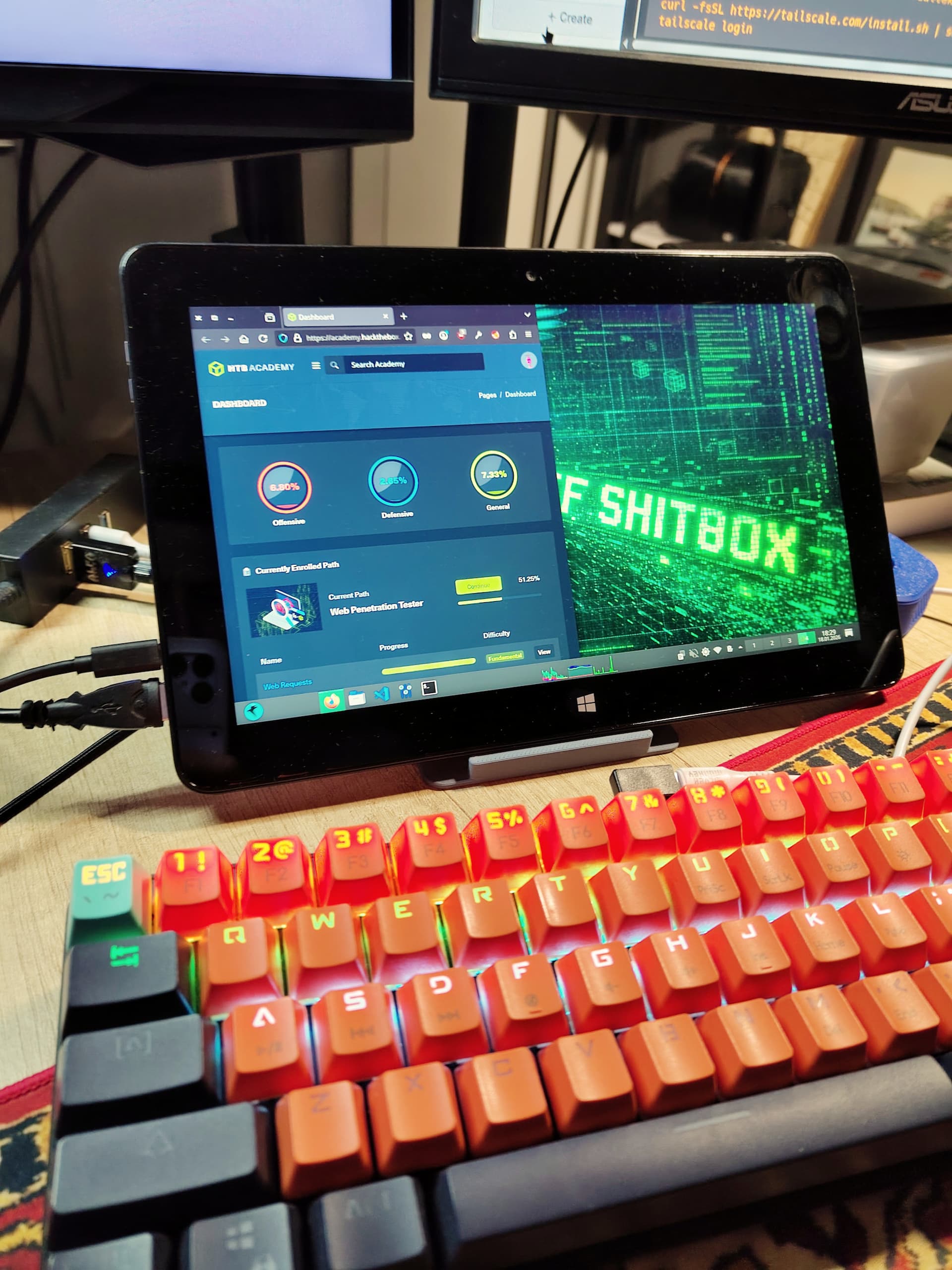
I recently stumbled across a cheap Dell Venue 11 Pro (7140) tablet that turned out to be an Intel Atom‑based machine running Windows 10 Pro. The device is a surprisingly good fit for a portable penetration‑testing lab, and I managed to recover a Windows 10 Pro CD key from the OEM media. While the key is largely obsolete in the age of Windows 11, it’s still handy for a quick homelab setup.
And apologies for the click-bait in the title. This setup is more for a pentesting training than anything. (-;
Dell Venue 11 Pro (7140) – Quick Specs
| Feature | Details |
|---|---|
| Screen | 10.8” IPS, 1920×1080 Full‑HD |
| Touch | 10‑point multi‑touch |
| CPU | Intel Core M 5Y10c (800 MHz) |
| GPU | Intel HD Graphics 5300 |
| RAM | 4 GB DDR4 |
| Storage | 64 GB SSD [extendable with microSD] |
| Battery | 38 Wh [~80% of battery life] |
The tablet’s modest specs are more than enough for running a lightweight Linux distro like Parrot OS, and the 10‑point touchscreen makes it a handy mobile platform for on‑the‑go testing.
I actually tried Kali on it but I was curious whether it’s true that Parrot OS is slightly more lightweight. Well for one thing, the Plasma isn’t really helping here. I think the feeling here is more of an autosuggestion. But it does look good!
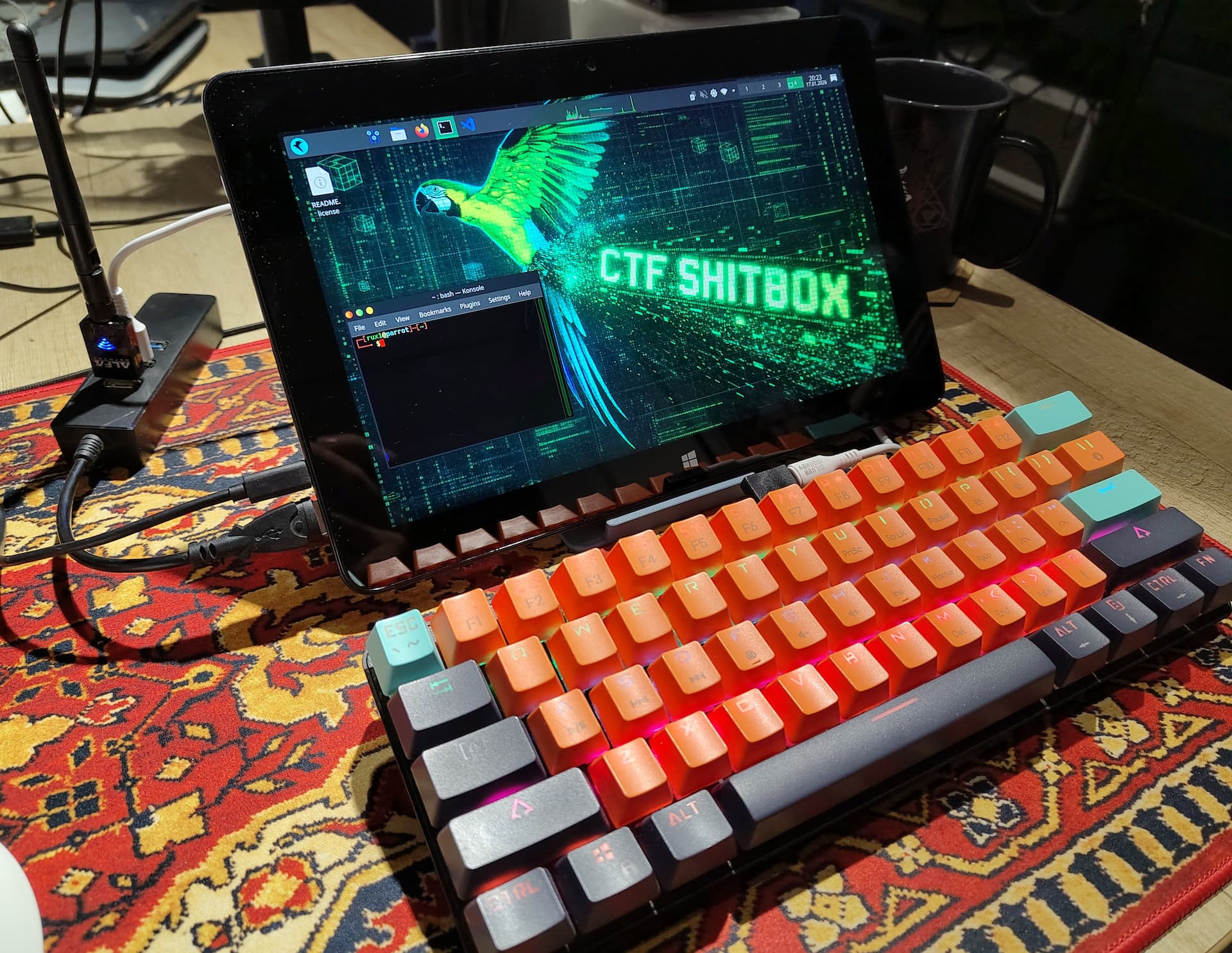
Installing Parrot OS on the Atom
Below is a loose list of problems I encountered. The process is largely the same as on any other Intel‑based laptop, but the wireless driver and network setup required a few extra tweaks. The Calamares installer is pretty good.
Network problems
- Connect an Ethernet cable – the tablet’s Wi‑Fi is a bit flaky.
- Set the system clock correctly so HTTPS certificates validate.
- The
realtek‑rtl88xxau‑dkmspackage is required for the tablet’s RTL88xxU Wi‑Fi chipset.
sudo apt update -y && sudo apt install realtek-rtl88xxau-dkms -yBoot Menu
- When powering up press Volume Up [or F12 on the keyboard]
Install Parrot OS
- Calamares takes it from there. Partitioning is pretty easy since we only have a single, small disk available.
Post‑install tweaks
- Adjust system time and locale - for some reason this unit gave me basic problems in this department [bios battery seems fine]
- Configure
tmuxto my liking. - This is my preference but I made it join my homelab network one the day 1.
curl -fsSL https://tailscale.com/install.sh | sh
tailscale up --login-server=<my-homelab-headscale-url>
…and hack away! Some quick wins here
- Got a cheap Atom tablet -
profit - Recovered a Windows key – that never happened to me before on a 2nd hand item
- Installed Parrot OS – happy to continue testing this interesating alternative to Kali
- Added an external antenna – plugged an Alfa antenna into the USB port, for potential wi-fi experiments
- Got a quirky gadget with cool wallpaper – going to carry it to some local meetups